Detect Project Bottlenecks Before They Derail Your Timeline
Project bottlenecks develop quietly in task dependencies and communication gaps, invisible to teams using manual updates and siloed workflows. Real-time monitoring detects resource, dependency, and communication bottlenecks within hours instead of weeks, enabling early intervention before delays compound and derail timelines.
See everything AI Project Planner can do for you.
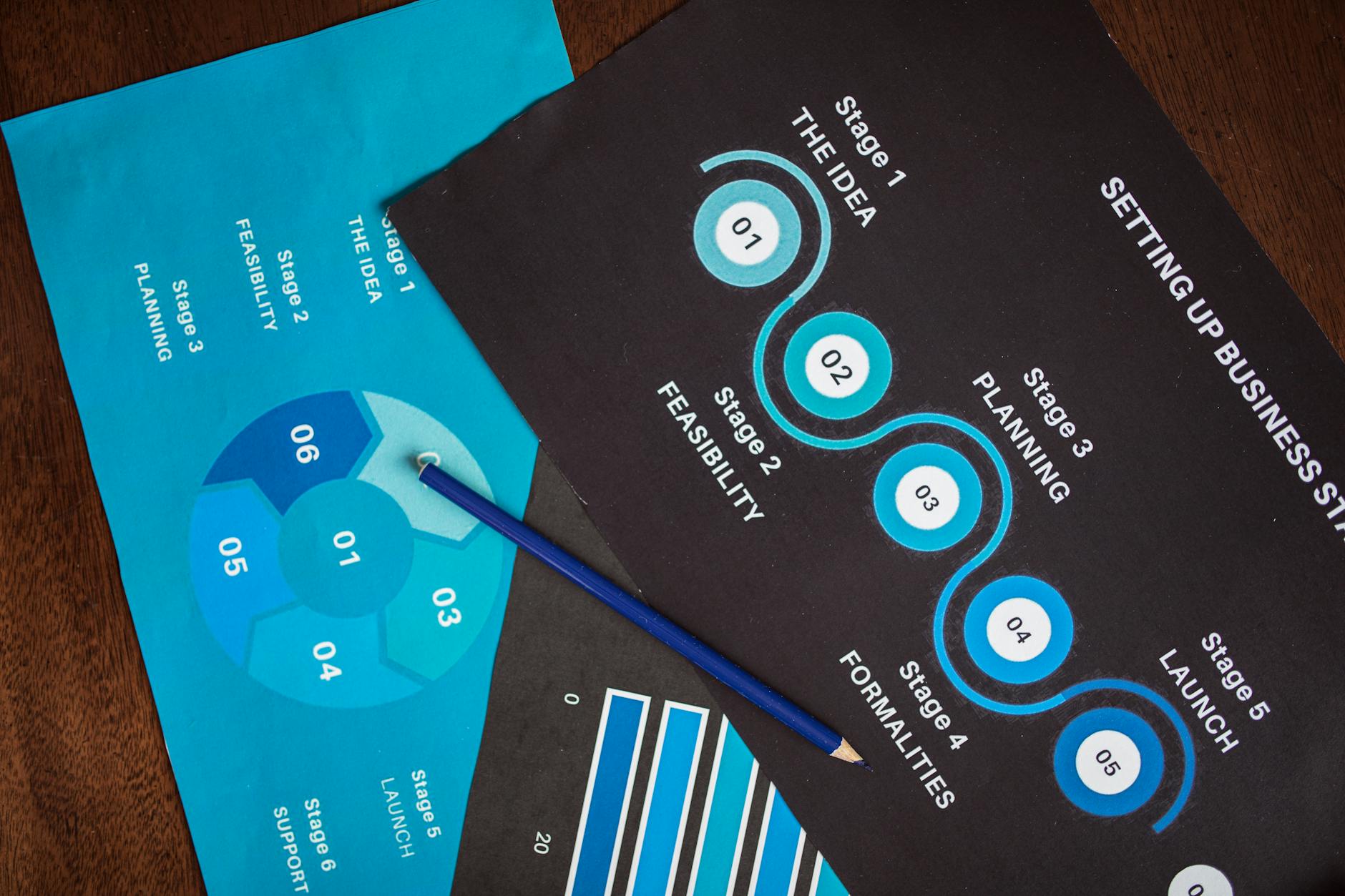
Project delays rarely announce themselves. They build quietly in the space between tasks, in the gap between what someone promised and what actually shipped, in the assumption that another team is on track when they are not. Learning to identify project bottlenecks early is less about working harder and more about seeing your project's pressure points clearly enough to act before they become crises. This post walks through why detection fails, what the most damaging patterns look like, and how to build a workflow that catches problems in hours instead of weeks.
This article is part of our complete guide: AI Project Timeline Generator.
Identify Project Bottlenecks Early: Why Project Managers Miss Bottlenecks Until It's Too Late
Most bottlenecks live in the dependencies between tasks, not inside any single task itself. No one person on the team sees the full chain, which means the delay becomes visible only after it has already propagated downstream. A developer finishes a feature, only to discover that the design handoff it depends on has been sitting in someone's inbox for three days. By the time the problem surfaces in conversation, the timeline has already moved.
Manual status updates make this worse because they are delayed reports of what already happened. When a team member fills in a status field on Monday morning, they are describing last week's reality. That information is already stale and almost never flags what is about to go wrong. Effective project delay prevention strategies require forward-looking signals, not historical summaries.
Teams working in functional silos compound the problem further. A QA team preparing to start testing may not know that the build they are expecting is two days behind because the developers are waiting for an API decision. Each group operates on its own internal picture of progress, and those pictures rarely sync until someone calls a meeting to reconcile them. By then, the blocker has already cost days.
Spreadsheets and checklists track individual items in isolation, which is precisely where bottlenecks are invisible. A task can be marked "in progress" while every downstream task that depends on it is quietly accumulating risk. No spreadsheet connects the dots between a constrained resource, a tight dependency sequence, and the deadline that cannot move.
The Three Bottleneck Patterns That Cause Most Project Delays
Resource bottlenecks occur when a single person or a specialized skill set sits in the critical path of multiple tasks that cannot proceed without them. A senior architect who is the only one who can review infrastructure decisions becomes the unintentional gatekeeper for everything downstream. Their calendar, their bandwidth, and their response time become your project's actual pacing mechanism, regardless of what the Gantt chart says.
Dependency bottlenecks appear when critical path tasks are waiting on earlier phases to complete while other parts of the team have nothing to do or are filling time with lower-priority work. This pattern is particularly costly because the idle capacity is real and visible, but the blockage is structural. You cannot simply reassign those idle people if the work they need is genuinely not ready.
Communication bottlenecks are often underestimated because they feel softer than a resource constraint or a missed handoff. In practice, waiting for a stakeholder decision, a legal review, or a client approval can stall an entire workflow for days. These delays are common in client-facing projects and in organizations where approval chains are long and asynchronous. To identify project bottlenecks early in communication-heavy workflows, you need to track decision turnaround times with the same rigor you apply to task completion rates.
Recognizing which type you are dealing with changes how you respond. A resource bottleneck calls for reallocation or sequencing changes. A dependency bottleneck may need scope adjustment or parallel workstream planning. A communication bottleneck often requires escalation protocols or pre-agreed service-level expectations with approvers. Treating all three the same way produces generic interventions that rarely solve the actual problem.
Real-Time Monitoring vs. Weekly Status Meetings
A weekly status meeting captures a snapshot of the project at one moment in time, usually assembled from updates that are themselves a day or two old by the time they are discussed. That means a risk that emerged on Tuesday may not reach the project manager's awareness until the following Monday. In fast-moving projects, seven days is enough time for a recoverable delay to become an unrecoverable one.
Continuous monitoring changes the unit of awareness from weeks to hours. When an automated system is watching task velocity, dependency status, and resource allocation in real time, it can flag a change in condition the day it happens. That is a fundamentally different kind of intelligence, and it enables a fundamentally different kind of response.
Early alerts give you the ability to act while options are still open. If a code review that should take one day has stalled into day two with no activity, an automated flag lets you intervene while the reviewer still has time to catch up, or while you still have time to reassign the review before the dependent release is affected. Compare that to discovering the same stall on Friday afternoon when the deployment was scheduled for Monday.
The practical example is worth spelling out clearly. A team using only weekly check-ins learns on day seven that a review task has been blocked since day two. They have lost five days of potential response time. A team with continuous monitoring learns on day two and recovers the same afternoon. Project delay prevention strategies ultimately depend on how quickly you can close the gap between when a problem starts and when you know about it.
How to Implement Bottleneck Detection in Your Workflow
Start by mapping your critical path with genuine specificity. Identify which tasks have zero or near-zero float time, meaning any delay in those tasks directly delays the final delivery. Most project managers know their critical path in general terms but have not explicitly documented which specific dependencies make those tasks critical.
Once the critical path is clear, set up monitoring on three dimensions: dependency status, resource allocation, and task completion velocity. Dependency status tells you whether the inputs each task needs are arriving on time. Resource allocation tells you whether the person responsible for critical work is currently overloaded. Task velocity tells you whether work is moving at the rate the timeline requires.
Define explicit thresholds for alerts so that the system flags real risk rather than generating noise. A task that is four hours behind schedule in a two-week phase is not a crisis. A task on the critical path that has had no activity for 24 hours and is due tomorrow is. The difference between useful alerts and alert fatigue comes down to how precisely you define those thresholds upfront.
Designate one person with the authority and the expectation to act on alerts immediately. Routing every flag through a meeting or an escalation chain recreates exactly the delay you were trying to prevent. That person does not need to solve every problem alone, but they need to be empowered to triage and initiate a response without waiting for the next scheduled touchpoint.
Review your bottleneck patterns on a weekly basis, not just project by project. If the same type of task is flagging repeatedly across multiple projects, that is a systemic issue in your workflow or your resourcing model, not a coincidence. Treating each instance as an isolated firefight means you will keep fighting the same fire.
What Automated Bottleneck Analysis Catches That Manual Review Misses
Cross-project resource conflicts are nearly impossible to catch with manual review because they require visibility across multiple project timelines simultaneously. When the same senior engineer is assigned to critical deliverables on two separate projects with overlapping deadlines, no individual project manager sees the collision because each is only looking at their own plan. Automated analysis sees both timelines and flags the conflict before either project is affected.
Recurring bottleneck patterns are another category that human review routinely misses. If the client approval stage delays every project in a particular department by an average of three days, that pattern is meaningful. It suggests a structural fix, perhaps a revised approval process or a pre-approval review stage, rather than a project-by-project workaround. Identifying that pattern requires aggregating data across many projects, which is exactly what automated analysis does continuously.
Latent risks are tasks that are not delayed yet but have no buffer time whatsoever. These tasks are on time today and will fail the moment anything goes wrong, and manual review rarely surfaces them because nothing is visibly broken. Automated bottleneck analysis can identify these zero-buffer tasks and flag them as elevated risks before any delay has actually occurred.
AI analysis can also surface opportunities that humans miss when reading a linear Gantt chart, such as tasks that could run in parallel rather than sequentially, or a reordering of task sequences that reduces the load on a constrained resource. These are not suggestions to think about later. AI Project Planner generates the reordered plan directly, so the team can evaluate and implement it without spending an afternoon in a whiteboard session first.
From Detection to Prevention: Acting on Bottleneck Insights
Detection without lead time is nearly useless. An alert that fires the afternoon before a deadline cannot save the project. Setting your thresholds so that flags appear with enough runway for a real intervention is the difference between monitoring that changes outcomes and monitoring that just documents failures more precisely.
Build a triage protocol that matches the response to the risk level. A task with two days of float time and a one-day delay needs a different response than a critical path task with zero float that has gone 36 hours without activity. Defining those response tiers in advance means your team acts on muscle memory instead of scrambling to figure out how urgent the flag is each time one appears.
Track which interventions actually worked. If reassigning a review task to a second reviewer consistently resolves code review bottlenecks faster than escalating to the team lead, that is institutional knowledge worth preserving. Most teams lose this information because they move on to the next project the moment the current one closes.
Use historical bottleneck data to inform how you plan future projects. If a particular department consistently hits communication bottlenecks during the approval phase, build a longer runway into that phase for every project that goes through it. If one specialist is always the resource constraint in a certain project type, plan for a backup or for parallel workstreams that reduce their single-point-of-failure position. This is what it means to move from project delay prevention strategies that are reactive to ones that are genuinely predictive.
The goal is not to eliminate uncertainty from project delivery because that is not realistic. The goal is to see uncertainty clearly and early enough that your response options are meaningful. Teams that build this capability stop fighting the same fires and start building projects that are designed to be resilient from the start.
---
Bottleneck detection is not a feature you turn on once and forget. It is a discipline that improves every time you capture a pattern, act on an alert, and feed the outcome back into how you plan. AI Project Planner is built to do the continuous monitoring and pattern analysis automatically, so your team spends its time on the decisions and interventions that require human judgment rather than on assembling status reports by hand. If you want to see how that works in practice, explore how AI Project Planner analyzes your workflows.
See everything AI Project Planner can do for you.
Try AI Project Planner →